
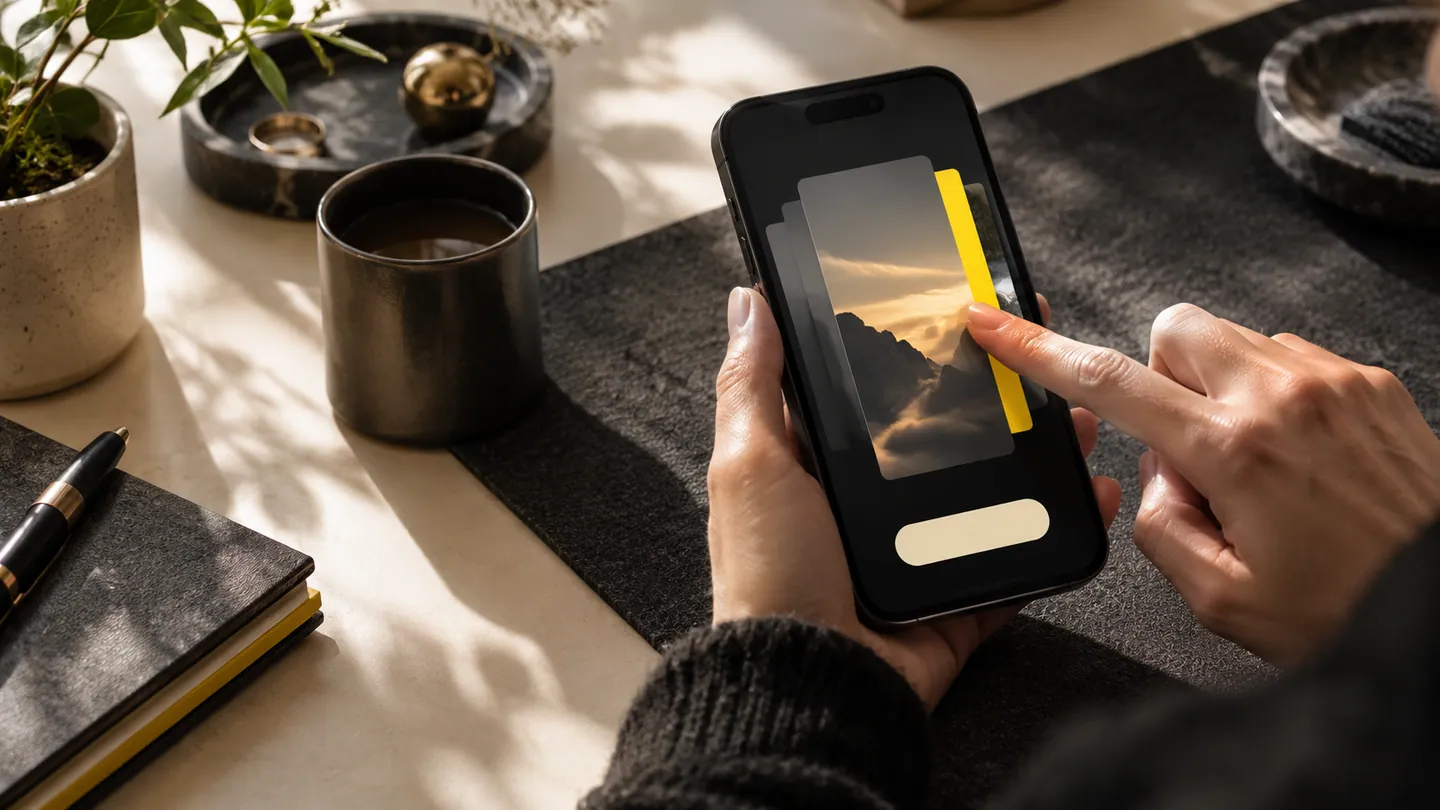
A swipe can make a repeated action feel quick, but it can also hide the action from someone who has never used the app. A customer should not need to discover a secret gesture to reschedule a booking or correct a record. Treat gestures as part of a clear interaction system, with visible alternatives and consequences suited to the action.
Match the gesture to the consequence
A field inspector might swipe between photographs, while a customer might swipe an appointment card to reveal options. Those interactions should not behave like an immediate irreversible cancellation. Decide what the movement means and whether confirmation or an undo route is appropriate. Keep high-consequence actions deliberate. If a gesture changes a record, show the result and make recovery understandable. A fast interaction is useful only when the person can predict it. Avoid overloading similar movements with unrelated meanings in different parts of the same app.
Provide discoverable alternatives
A visible menu or labelled control should expose important actions for people who do not use the gesture. Android's accessibility testing guidance includes checks with assistive technologies and different interaction methods. Use these checks to confirm that the alternative is actually reachable and understandable. A screen-reader user should not need to infer a hidden swipe from a decorative icon, and a person with limited dexterity should not be forced into a precise motion. Teach optional shortcuts in context after the main task is already understandable, rather than relying on a lengthy opening tutorial.
Test accidental and interrupted movement
Try the interface while scrolling, holding the phone one-handed and using a protective case. A horizontal action near a vertical list can be triggered unintentionally if the interaction is poorly tuned. Check what happens when a finger stops halfway, the app is interrupted or the item changes during the gesture. Observe new users without instructions, then ask experienced users whether the shortcut actually saves effort. Preserve consistency across releases so habitual movements do not unexpectedly acquire destructive meanings. The strongest gesture design is easy to ignore until someone chooses to use it.
- Can every essential action be found without knowing a hidden gesture?
- Is the consequence proportionate to how easy the gesture is to trigger accidentally?
- Do assistive-technology users have an equally clear route to the same action?
- Does the shortcut remain predictable when scrolling, interrupted or used one-handed?