
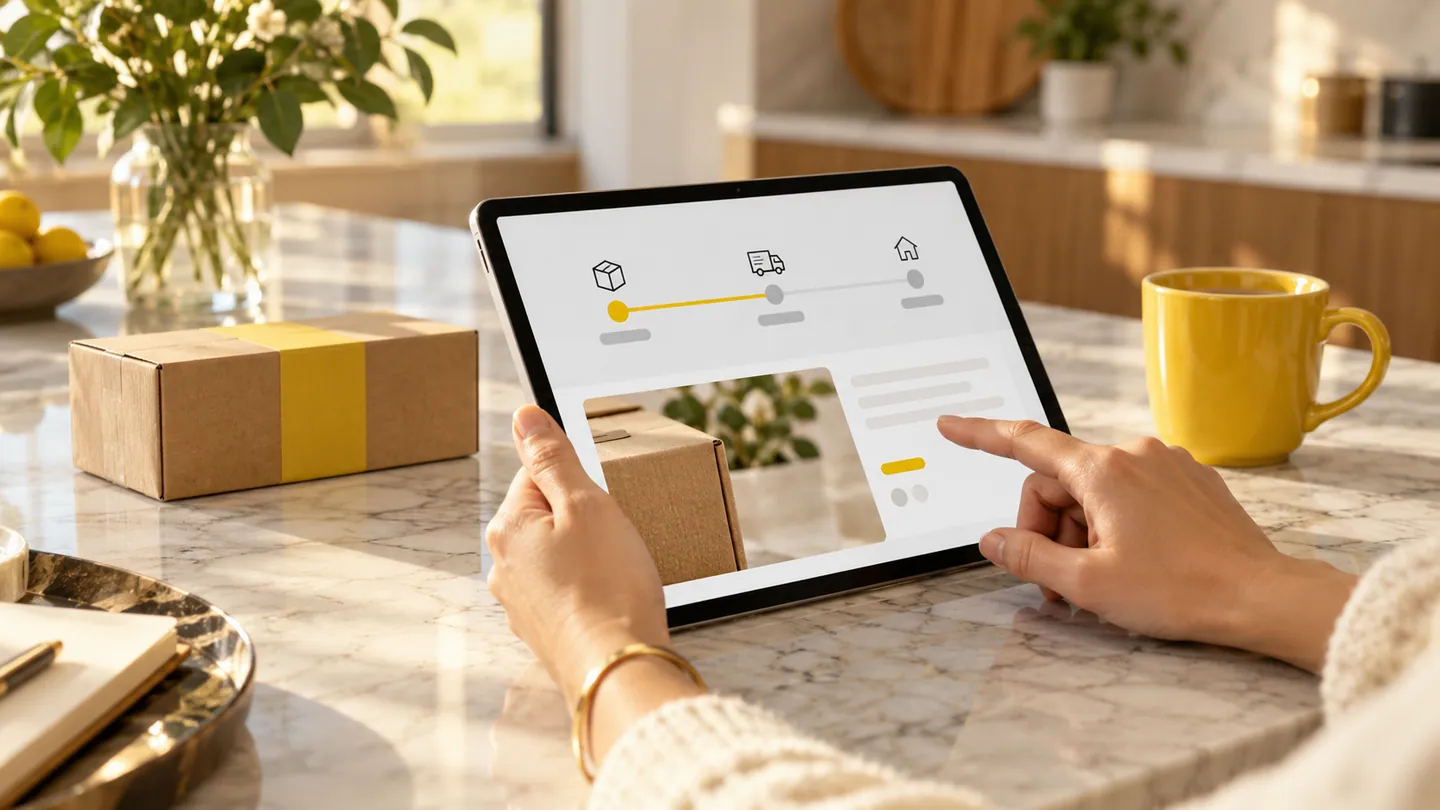
A customer portal is a delivery channel, not a business outcome by itself. Customers need a reason to return, and staff need a process that supports what the portal promises. Before designing an account dashboard, identify the specific task that would become clearer or easier for customers and the operational work required to make it possible.
Choose a task worth returning for
A hypothetical Adelaide exhibition supplier might consider a portal for reviewing upcoming event requirements. Customers may value confirming stand details or seeing which items still need a decision more than browsing a general company dashboard. Ask about recent interactions: what did customers request, how did they receive it and where did confusion arise? Avoid assuming that every repeated email should become a portal feature. Some exchanges are infrequent or require discussion that a form would complicate.
Define the information commitment
If customers see a job status, decide exactly what that status means and who keeps it current. An attractive progress display is unhelpful when staff cannot maintain the underlying information. For the exhibition supplier, ready might mean ready for customer approval, ready for packing or ready for delivery. Those differences affect expectations. Describe the evidence behind each displayed state and the action available to the customer when information is missing or appears incorrect.
Plan the assisted route
Some customers will need help or prefer a conversation for unusual requests. Decide how staff handle those interactions while keeping the record understandable. The tradeoff is between consistent self-service and the flexibility customers expect from a small supplier. A portal can support a narrow set of routine tasks while staff handle exceptions deliberately. Do not force complex situations through misleading options simply to keep every interaction inside the new interface.
Start with a complete exchange
Choose one customer task that begins with a clear prompt and ends with an acknowledged outcome. Include the staff action required after submission. Your next scoping step is a customer-and-staff journey showing both sides of that exchange, with sample wording and expected responses. Test it with representative customers before adding broader account features. A portal that reliably supports one useful task creates a stronger basis for future decisions than a large dashboard with uncertain purpose.
Planning checklist
- Name the customer task and trigger.
- Define the meaning of displayed information.
- Include acknowledgement and staff follow-through.