
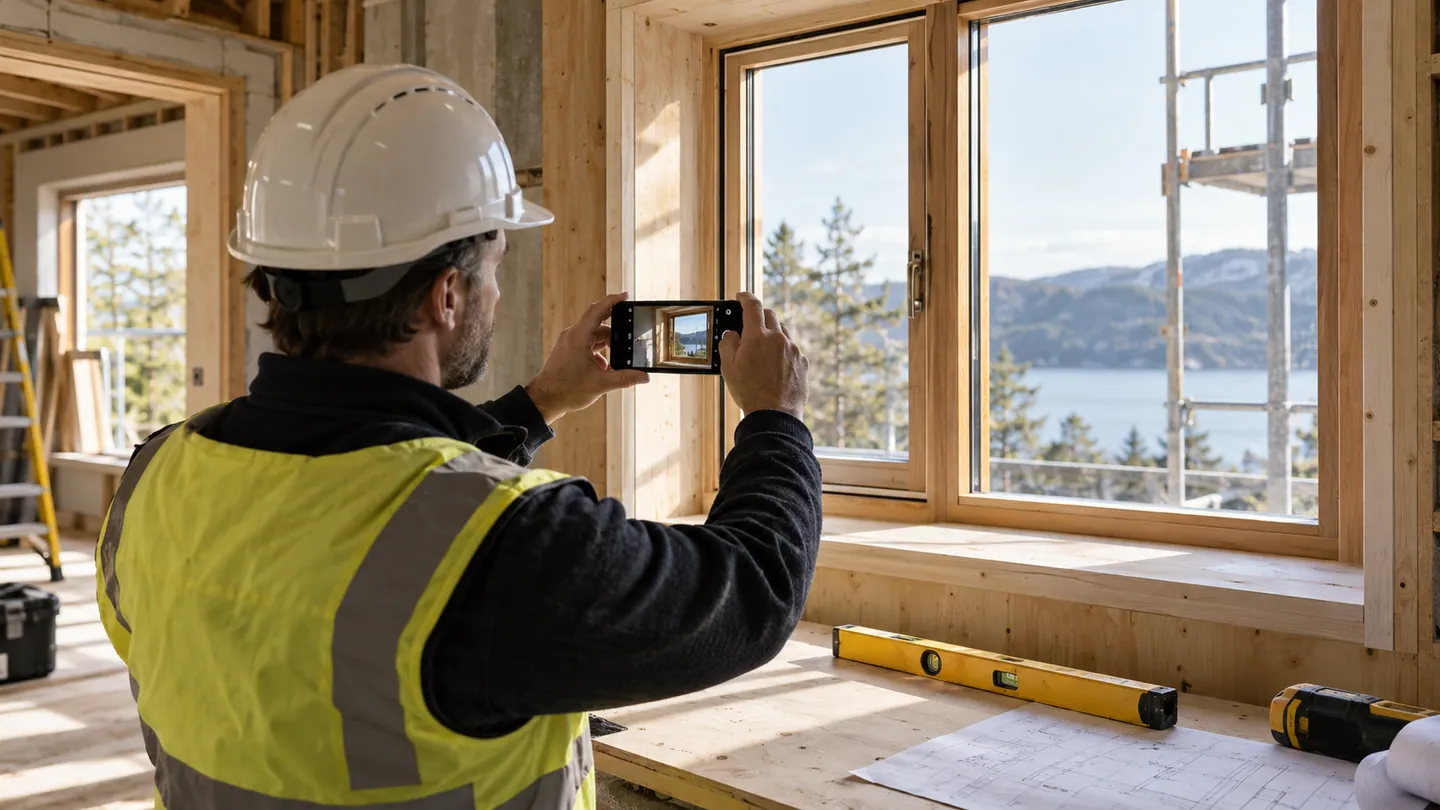
Adding a camera button is easy to describe; building a useful photographic record requires more thought. A tradesperson may take a wide shot to identify a room, a close-up to show a defect and a final image after the work. If those images arrive without context or clear upload status, someone in the office must reconstruct the story later.
Explain the purpose before capture
A property-maintenance app can ask for Before, Detail and After images where those categories match the work. Keep guidance short and visible at the moment of capture. Let the worker retake a blurred image before leaving the site and review which job it belongs to. Android's CameraX provides documented camera building blocks, but the business workflow remains a design responsibility. Avoid making every photograph mandatory: specify which situations need evidence and offer an explanation path when a photograph cannot reasonably or appropriately be taken.
Preserve meaning while controlling size
Large images can consume storage and delay sending, while aggressive compression may hide the detail the business needs. Test realistic defects, labels and handwriting at the intended stored quality. Keep the original orientation correct and distinguish image annotations from the underlying photograph. If staff draw an arrow or add a note, preserve enough context to understand what was highlighted. Consider what else appears in the frame, such as faces, number plates or private documents. The capture screen can remind staff to frame only what the job requires.
Show the image's journey
Display thumbnails promptly and show whether each image is saved locally, waiting to upload or received. A completed text form should not imply that its large attachments have arrived. Test interrupted capture, low storage, switching apps and reopening the job later. Let workers remove an incorrect attachment before final submission, with an appropriate correction route afterwards. During a pilot, ask an office colleague to interpret the received record without speaking to the person who captured it. Missing sequence, unclear scale or ambiguous labels will become obvious quickly.
- What decision should a colleague be able to make from each photograph?
- Can workers review quality and job association before leaving the site?
- At what image size does important evidence become difficult to interpret?
- How does the screen distinguish captured images from successfully delivered attachments?