
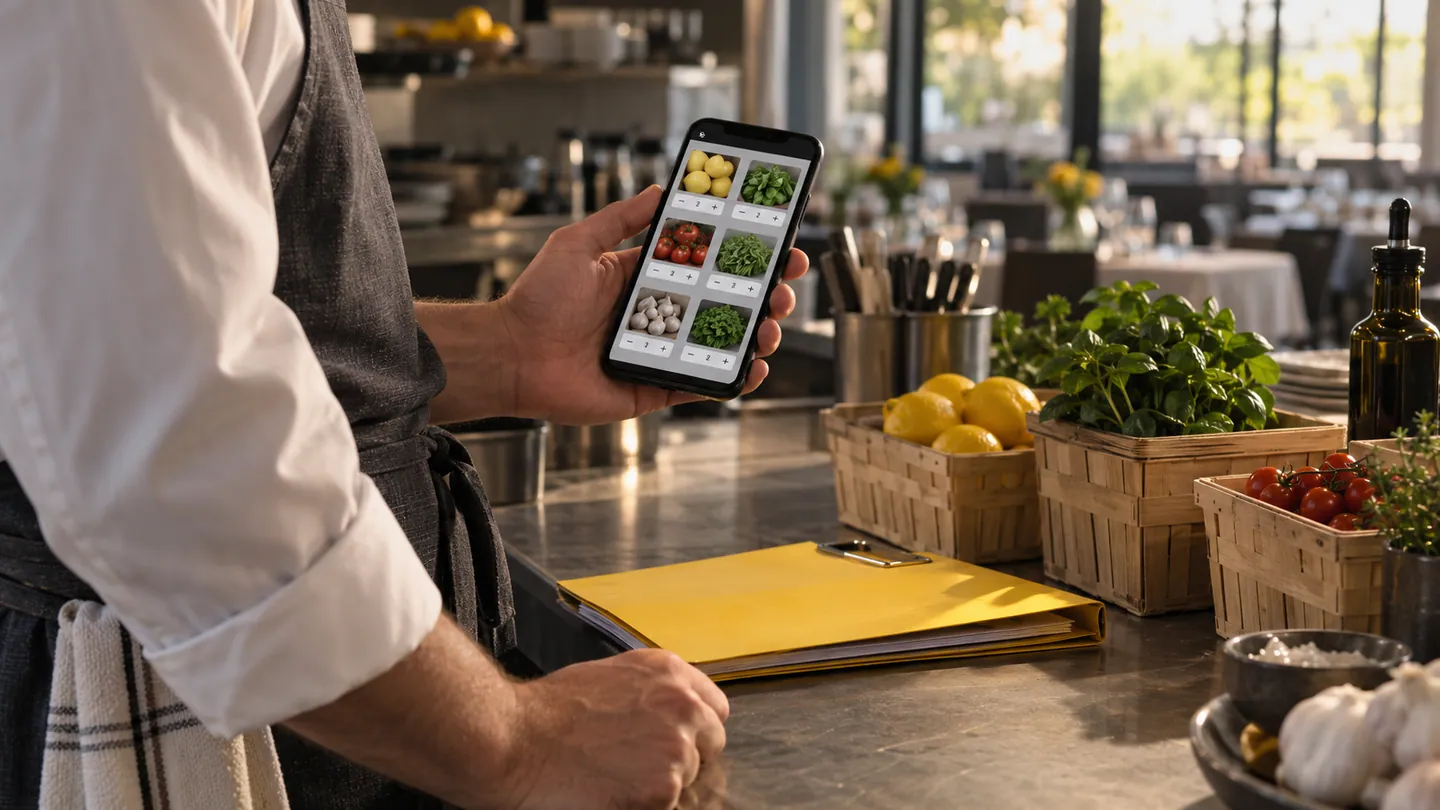
Repeat ordering looks simple until the customer selects the wrong size, repeats an old delivery address or assumes a discontinued item is still available. A mobile catalogue should reduce the effort of finding familiar products while keeping material choices visible. The aim is a faster accurate order, not merely fewer taps between opening the app and submitting something.
Make similar products distinguishable
A hospitality supplier may sell visually similar containers in several capacities and pack quantities. Put the distinguishing attributes near the product name and selection control. A thumbnail alone may not help. Show whether the quantity refers to individual units, packs or cartons, and keep that meaning visible in the order review. Search should support the terms customers use on the phone with staff. If a product has changed since the previous order, explain the change before copying it into a new basket rather than relying on a revised internal code.
Treat reorder as a starting point
Let a previous order seed the next basket, then review current availability, variants and delivery details. Do not silently substitute an alternative whose specifications differ. Make unavailable items clear and preserve the rest of the customer's work while they decide. For products identified by barcode, Google's ML Kit documents recognition capabilities, but the app still needs to match the correct catalogue record and selling unit. A successful scan should reveal enough detail to confirm the choice. For occasional customers, a well-labelled recent-items list may be more useful than a complex favourites system.
Test the final review carefully
Use a realistic mixed order with multiple pack sizes, a changed address and one unavailable item. Ask the customer to explain what will arrive and where. The review should expose quantities, variant choices and any material conditions without requiring several hidden panels. Consider the setting: a chef may order in a noisy kitchen with one hand, while a retail buyer may compare items on a tablet. Preserve the basket through interruption and make its saved state clear. Evaluate errors caught before submission as a positive result, even if review adds a deliberate step.
- Can a customer distinguish similar variants without opening every product detail?
- Does quantity consistently mean units, packs or another clearly stated measure?
- What changes are checked when a previous order becomes a new basket?
- Can customers identify substitutions and delivery changes before committing the order?