
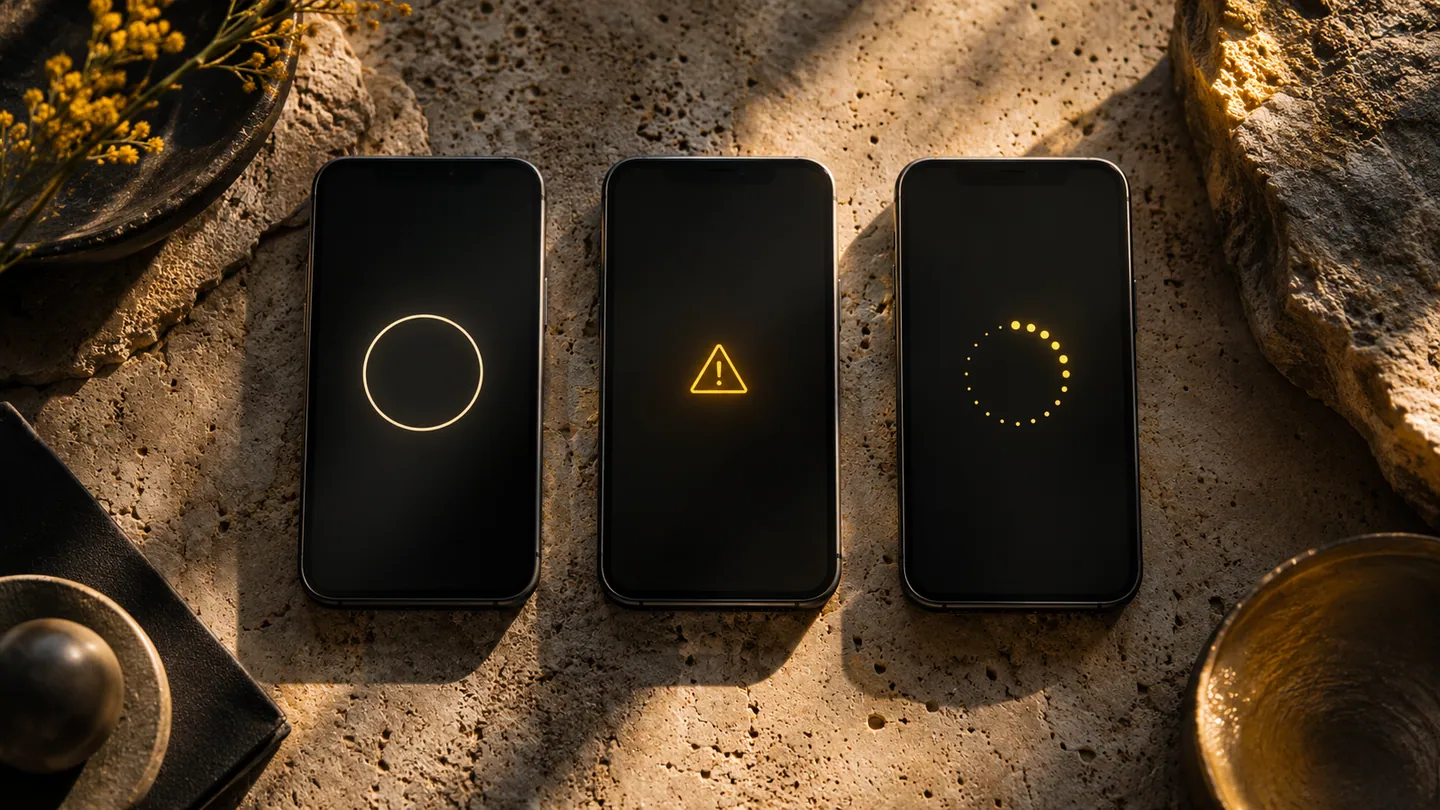
The ideal screen is only one version of an app. A customer also encounters waiting, an empty history, an expired session and a failed request. When these states share the same blank panel or spinning indicator, people cannot tell whether to wait, try again or contact the business. Designing them explicitly makes the app more understandable when it is under pressure.
Separate absence from failure
A new customer in a cleaning-service app has no previous jobs because they have not booked yet. A regular customer might see no jobs because a filter is active or because information failed to load. Those situations need different messages. The first can explain how to arrange a visit; the second can show the filter; the third can explain what is unavailable. Do not erase already visible information merely because a refresh fails. Where appropriate, keep it visible with a clear indication that it may not be current.
Say what happened to the action
A failed submission is especially confusing when the customer does not know whether the business received it. Describe the known state and provide a safe check or retry. Avoid messages that expose technical codes without a useful explanation, although a reference can help support staff investigate. Android's guidance on saving interface state distinguishes temporary screen state from longer-lived information. Design the recovery so typed content remains available through the appropriate mechanism, rather than assuming the operating system will preserve every unfinished form indefinitely.
Write messages around the next step
An error message should identify the affected task, explain what the person can do and avoid promising a recovery time the business cannot support. Use calm language without blaming the customer. Test a slow connection, a missing record and an invalid input separately. Check that a screen reader announces an important change and that the retry control remains usable with large text. During review, ask a participant to explain what they think happened. If they cannot distinguish waiting from failure or failure from completion, the state design needs more work before release.
- Does the empty screen mean no data, an active filter or an unavailable service?
- What work is preserved when a request fails or the app is interrupted?
- Can a retry create a duplicate action, and how is that prevented?
- Does each message offer a next step the customer can actually perform?