
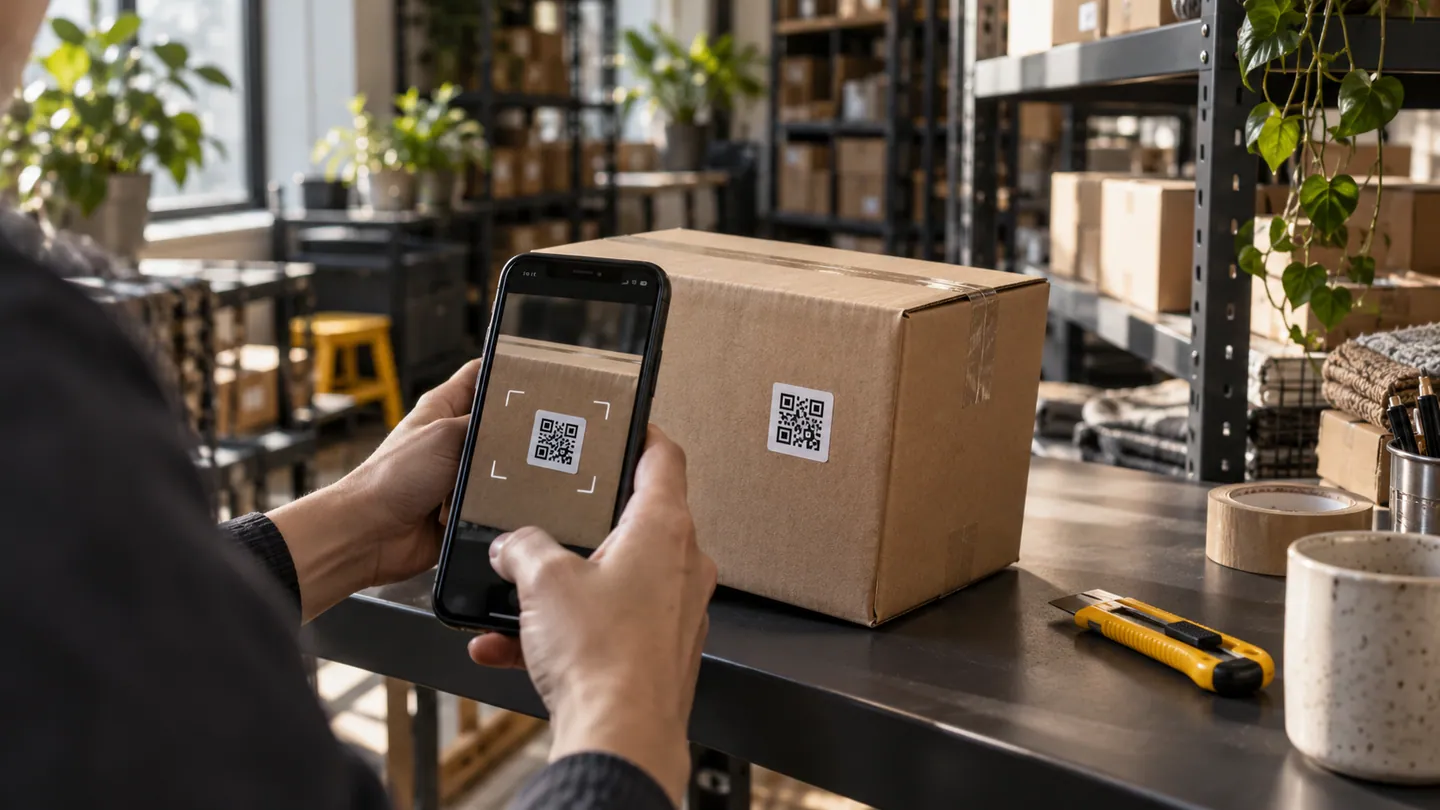
Scanning a label can remove typing and help people identify the correct item, but a successful scan is only the beginning of the workflow. The app still needs to interpret the code, show the item it represents and make mistakes recoverable. For a small warehouse or hire business, the consequences of selecting the wrong asset matter more than an impressive scanning animation.
Choose what the code identifies
A hire company might label individual ladders, while a shop's barcode identifies a product type shared by many units. Clarify that distinction before designing stock movements. A code should connect to the correct business entity, and the screen should display a recognisable description or photograph after reading it. Google's ML Kit supports barcode recognition on the device, including without a network connection. That capability does not mean the app automatically knows the latest stock or customer allocation. Recognition and business confirmation are separate steps with separate failure states.
Design for imperfect labels
Try labels that are scratched, curved, glossy, partly covered or printed smaller than intended. Test warehouse lighting, sunlight and a moving hand. Restrict scanning to relevant code formats where that suits the implementation, and make it clear when several codes are visible. Give useful feedback once an item is captured so a worker does not scan it repeatedly. Provide a manual identifier entry route and a way to report a damaged label. A fallback is particularly important when the physical item must keep moving despite a camera problem.
Make actions deliberate
Decide whether scanning merely opens an item or changes its status. For higher-consequence actions such as dispatch or return, show enough context for confirmation and make duplicates recognisable. If rapid scanning is necessary, maintain a visible count and list of accepted items, with a straightforward correction method. Avoid opening arbitrary web addresses from scanned codes without showing their destination. Test unknown codes, a code from a different branch and the same item scanned twice. Staff should always understand what changed, what failed and what remains to be done.
- Does this code represent a product, a specific asset or a location?
- What confirms the physical item matches the record the app found?
- Can staff continue safely when a label cannot be read?
- Does scanning itself commit a change, or is a separate confirmation required?